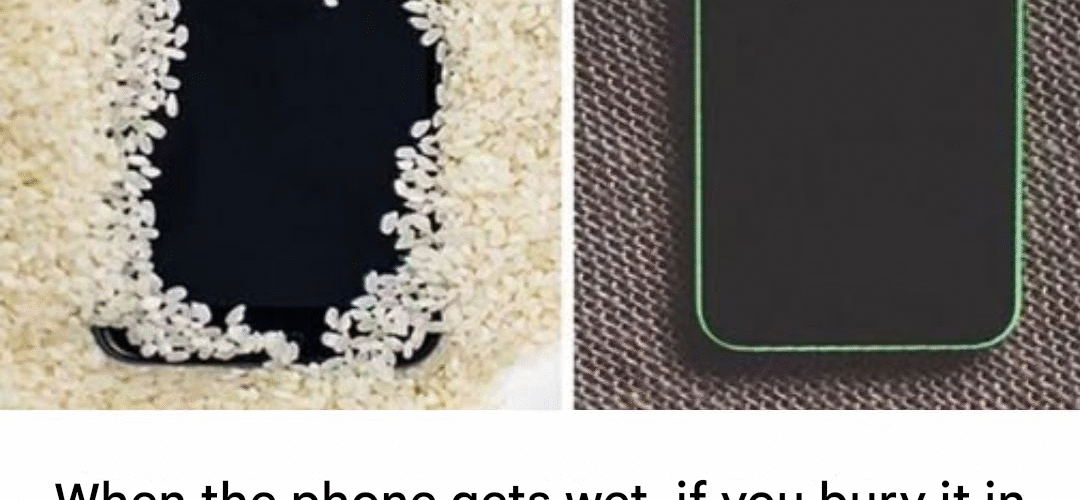
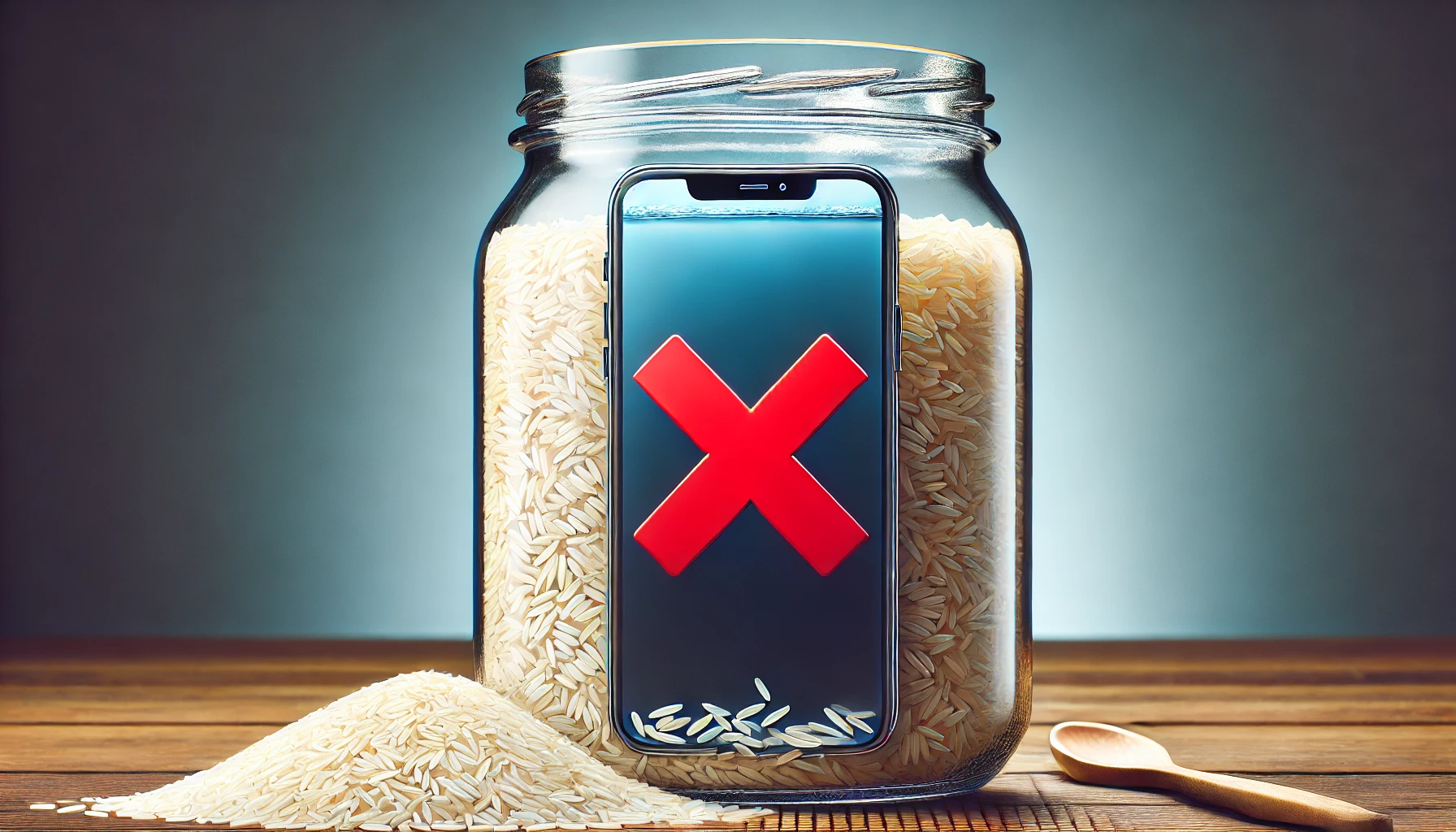
We’ve all been through that panicked situation when your phone is accidentally dropped in water or gets wet. The automatic reaction of many people is to resort to an old trick: bury the phone in a bucket of rice in the hope that the rice will absorb the moisture and save the device.
But is this method really effective? The truth is that burying your phone in rice can make the situation worse and cause additional damage. Rice can leave starch particles and dust on internal components, which can clog connectors and make the damage irreversible.
What to do when your phone gets wet?
If your phone has fallen into water or gotten wet from rain or an accident, acting quickly and correctly can make the difference between saving your device or losing it forever. Follow these steps carefully:
1. Get your phone out of the water immediately
- Timing is key. The longer the phone remains in contact with water, the greater the damage to the internal circuitry.
- If your phone is dropped in salt water (such as the sea), rinse it immediately with fresh water to prevent corrosion from salt.
2. Turn off your phone immediately
- If your phone is still on, turn it off immediately to prevent water from short-circuiting the motherboard.
- Don’t try to press additional buttons or perform other actions, as this could push the water further into the device.
3. Dry the outside of the phone
- Use a microfiber towel or cloth to dry the outside of your phone.
- Be sure to remove any remaining water from the charging jacks, headphone port, and SIM or SD card slots.
- Do not use paper towels or tissues, as they can leave lint residue inside the connectors.
4. Remove the SIM card and memory card
- If your phone has a SIM or microSD card slot, remove them to avoid damage to the metal contacts.
- Let them dry separately in a dry place.
5. Don’t use hair dryers or direct heat
- Don’t try to dry your phone with a hair dryer or place it near a heat source (such as a radiator or the sun).
- Direct heat can damage internal components and cause solder joints to loosen.
6. Use silica gel or a dehumidifier bag
- Instead of rice, place your phone in an airtight bag with silica gel packets (the ones that come in shoe boxes or electronics).
- Silica gel is much more effective than rice at absorbing moisture without leaving a residue.
- Let it sit for 24 to 48 hours without moving it.
- Place it in a dry, ventilated place (such as near a window, but without direct sun). If possible, place it on an absorbent surface such as a towel or paper towel.
- Let it rest for 24 to 48 hours without moving it.
7. Let it dry completely before turning it on
- Patience is key. Even if your phone looks dry on the outside, water can still be trapped inside.
- Wait at least 24 hours before trying to turn it on again.
8. If your phone won’t turn on, take your device in for service
- If after following these steps the phone does not turn on or works irregularly, there may be internal damage.
- Take the device to a specialized technical service for an evaluation.
Why does rice NOT work and can damage your phone?
- Does not absorb moisture effectively: Rice isn’t powerful enough to draw out water trapped inside the phone.
- It can leave starch and dust residues: Small rice particles can get into the connectors and clog them or cause corrosion.
- Does not prevent corrosion: Rice has no anti-corrosion properties, so the water left inside will continue to damage the internal circuits.
- Risk of trapped moisture: If the rice partially absorbs the water, it can create a moist environment inside the phone, accelerating corrosion damage.
Additional Tips to Protect Your Phone from Water
1. Use a waterproof case
- If you know you’ll be near water (like at the beach or pool), protect your phone with a certified waterproof case.
2. Avoid using your phone in humid environments
- Shower steam or sweat can also get into your phone’s circuitry and cause damage over time.
- Avoid taking your phone to the bathroom or sauna.
3. Consider insurance for your phone
- If you have an expensive or fragile phone, getting insurance that covers water damage can save you a lot of trouble down the road.
4. Avoid charging your phone if it’s still wet
- If you try to charge your phone while there is water in the connectors, it can cause a short circuit and irreversible damage to the battery or motherboard.
5. If your phone is waterproof, don’t rely too much
- Although many phones are certified for water resistance (IP67 or IP68), that doesn’t mean they’re completely waterproof.
- Water resistance may decrease with wear and tear, especially if the phone has been bumped or dropped.