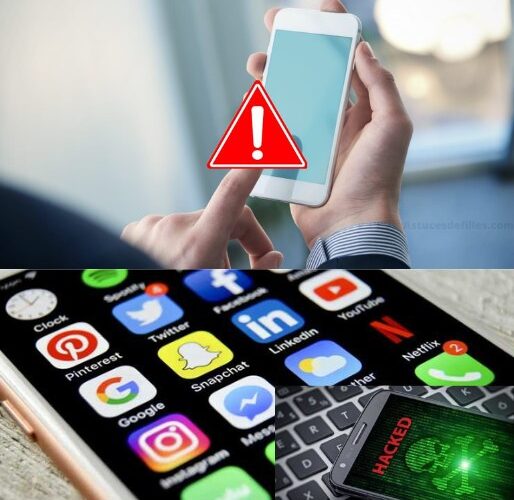

We live in an increasingly connected world, where mobile devices are an extension of our daily lives. However, this constant connection also exposes us to privacy risks.
Have you noticed strange behaviors on your phone, such as apps accessing features for no apparent reason or overly personalized ads? It could be a sign that you’re being spied on. This article will help you identify and control apps that might be collecting your personal data without your consent.
How to detect and control apps that spy on you
With these steps and tips, you can protect your privacy and use your phone more securely. Always stay alert and take control of your personal data. Your privacy is in your hands!
Detecting Suspicious Apps on iPhone
iPhone users have advanced tools to monitor apps’ access to their personal information:
- Access your privacy settings: Go to Settings > Privacy & Safety > Tracking. Here you will find a list of all the apps installed on your device that request to track your activity.
- Block unwanted tracking: You can manually select which apps have permission to track your movements and which ones you prefer to block.
- Enable the App Privacy Report: This detailed report, available in the same menu, will show you which apps and websites have accessed sensitive features such as your location, camera, or microphone.
Taking control on Android
If you’re using an Android device, you can also manage your app permissions effectively:
- Review app permissions: Go to Settings > App Management > Manage Permissions. Here you can see which apps have access to key features like your camera, microphone, or your location.
- Modify permissions: You can deny access to apps that you consider suspicious or that don’t need certain features to operate.
- Monitor app activities: Some Android devices have built-in tools or third-party apps that help you track anomalous app behavior.
Signs that something is wrong
- Excessive battery drain: If you notice that your battery drains quickly, it may be an indication that an app is running in the background without your knowledge.
- Increased data usage: Unusually high data usage could be caused by applications that are transmitting information to external servers.
- Unexpected notifications: Messages or pop-ups from apps you don’t use can be signs of suspicious activity.
Tips to protect your privacy
- Check permissions regularly: Every month, check which apps have access to important features on your device and adjust permissions as needed.
- Install apps only from trusted sources: Only download apps from the App Store or Google Play and review reviews before installing them.
- Keep your operating system up to date: System updates often include security patches that protect you against vulnerabilities.
- Use a reliable antivirus: Install an antivirus that helps you detect and remove malicious apps.
- Be cautious about initial permissions: When installing an app, carefully review the permissions it requests. If something looks suspicious, reconsider installing it.
- Uninstall unnecessary apps: If you have apps that you don’t use or that you consider unnecessary, delete them to reduce the risks of spying.